
Phone feature
As soon as a match has been made and the sender has paid for the ride, the driver and the sender can call each other directly. The call feature is available to both sides and allows quick and easy coordination around the ride.
How does the call work?
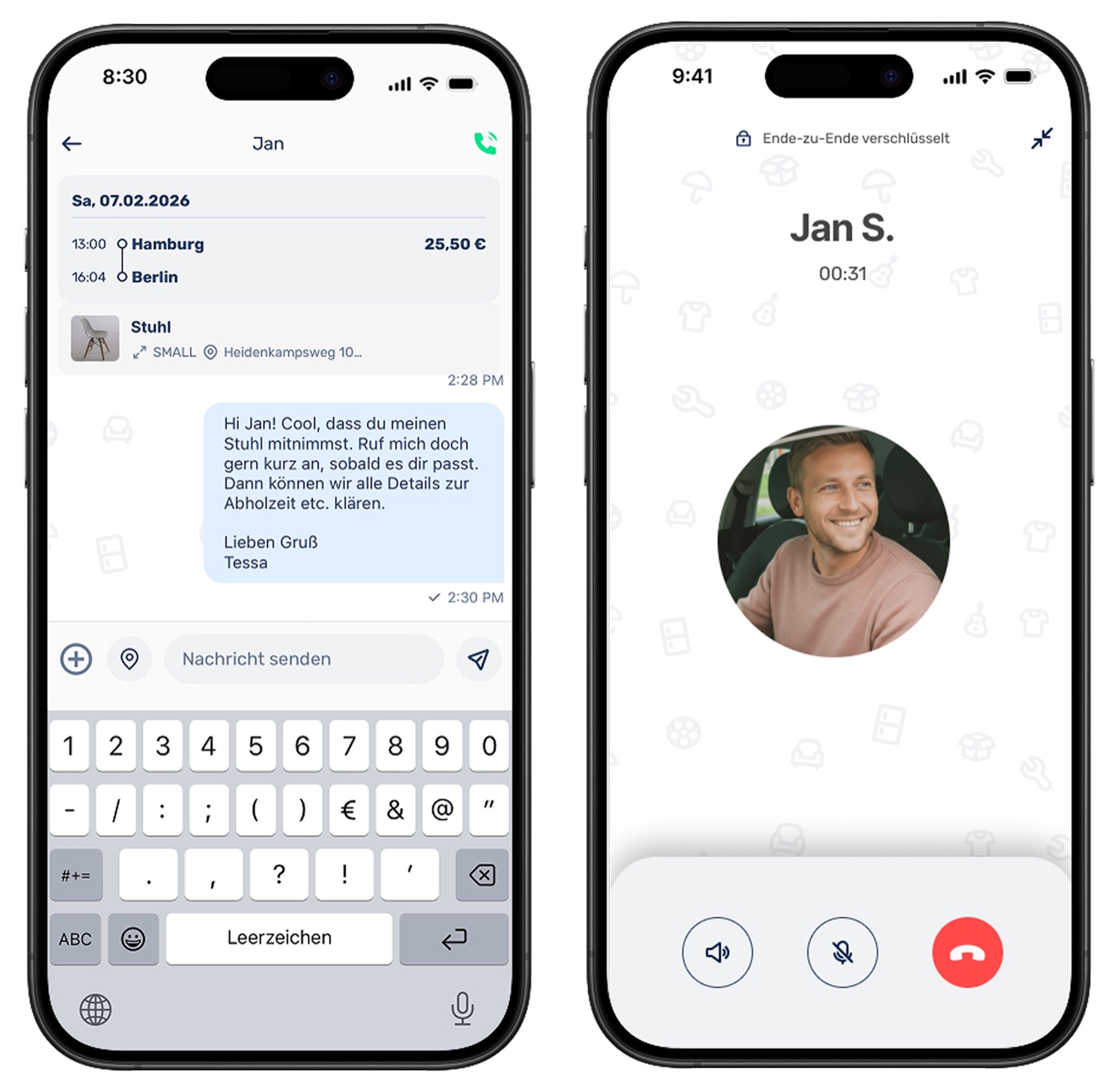
To call the other person, proceed as follows:
Open the booked ride in your bookings.
Switch to the chat of the ride.
At the top right you will find the phone icon.
Tap it to start the call.
The call is then started directly from within the app.
Why does this feature exist?
We introduced the phone feature to make communication between sender and driver easier. Direct coordination brings more clarity, fewer misunderstandings and a smoother ride. This improves the collaboration between both sides and creates a better experience overall.
Important: Sharing private phone numbers in the chat is not allowed, for reasons of safety and insurance coverage. You can find more information here.