How can I post a transport request?
Ways to create an item:
With MUVN you can post your item in a few minutes and quickly find a suitable driver. You have two options: you can create a transport request or actively search for drivers. If you travel a route regularly, you can also post a commuter ride. You can find more information about that here.
Option 1: Create a transport request
When you create a transport request, drivers who are already on a suitable route or traveling near you can get in touch.
Step by step:
- Open the app and tap Create item at the bottom right of the home screen
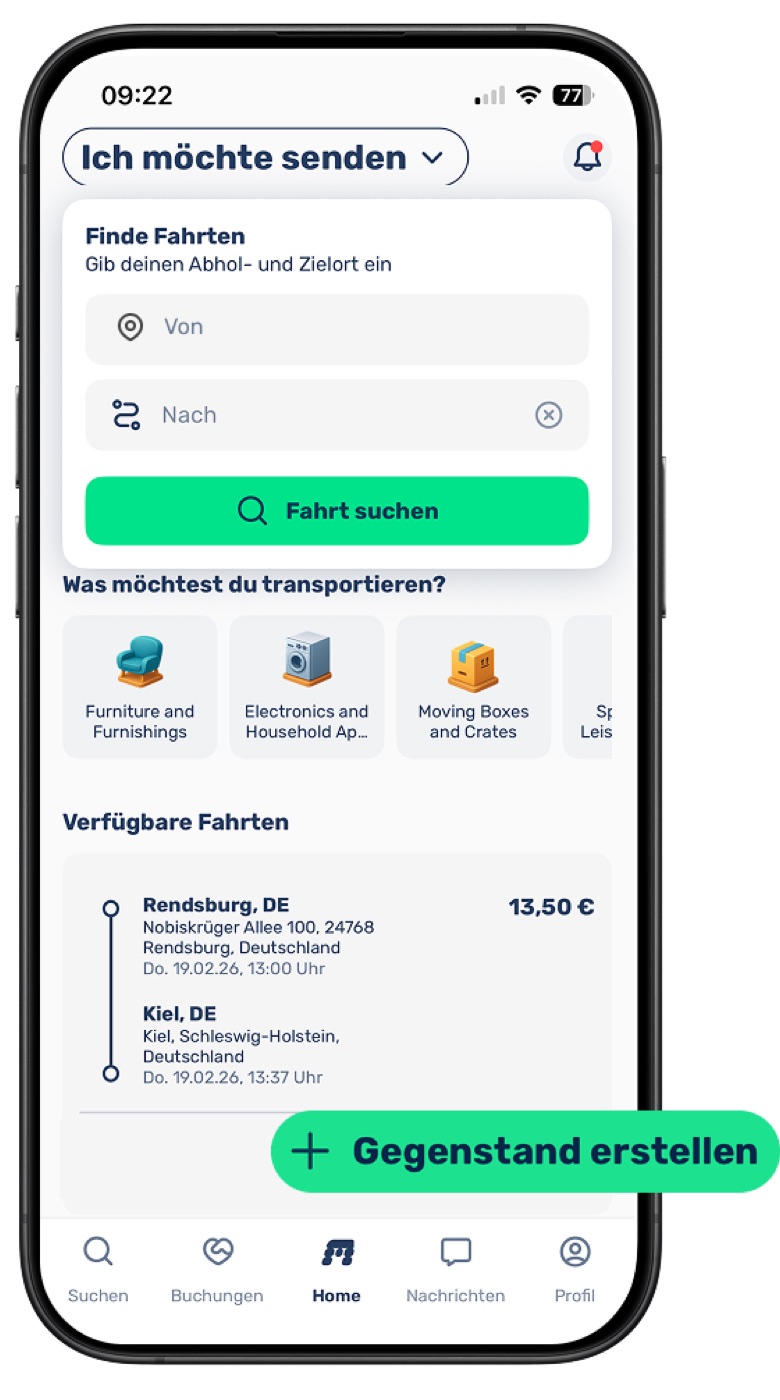
- Then:
- Describe the item & add a photo
- Enter the pickup and destination
- Enter a price
- Publish the item
Option 2: Proactively search for drivers
If you are in a hurry or already roughly know when and where to, you can also search for drivers directly.
How the search works:
- Enter the pickup and destination in the search bar at the top
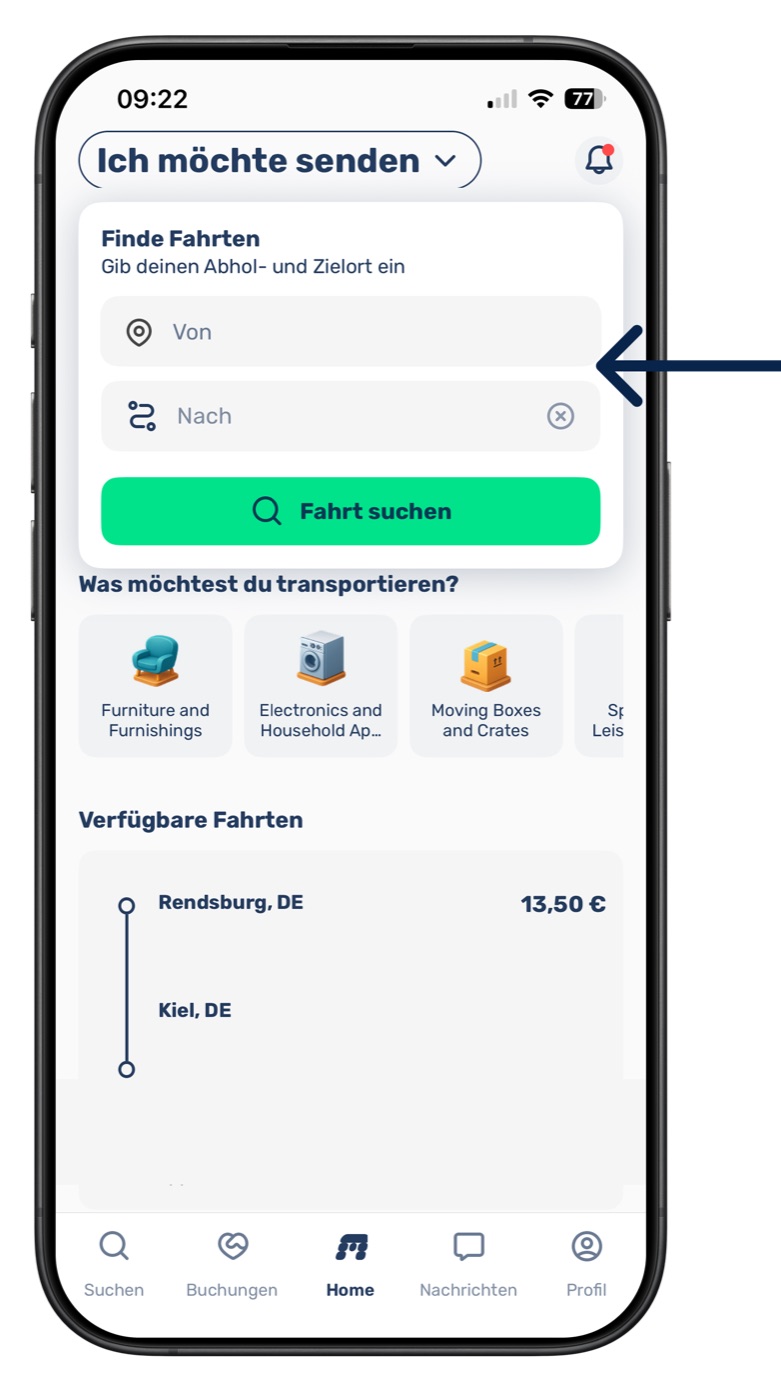
- Then you choose the suitable ride.
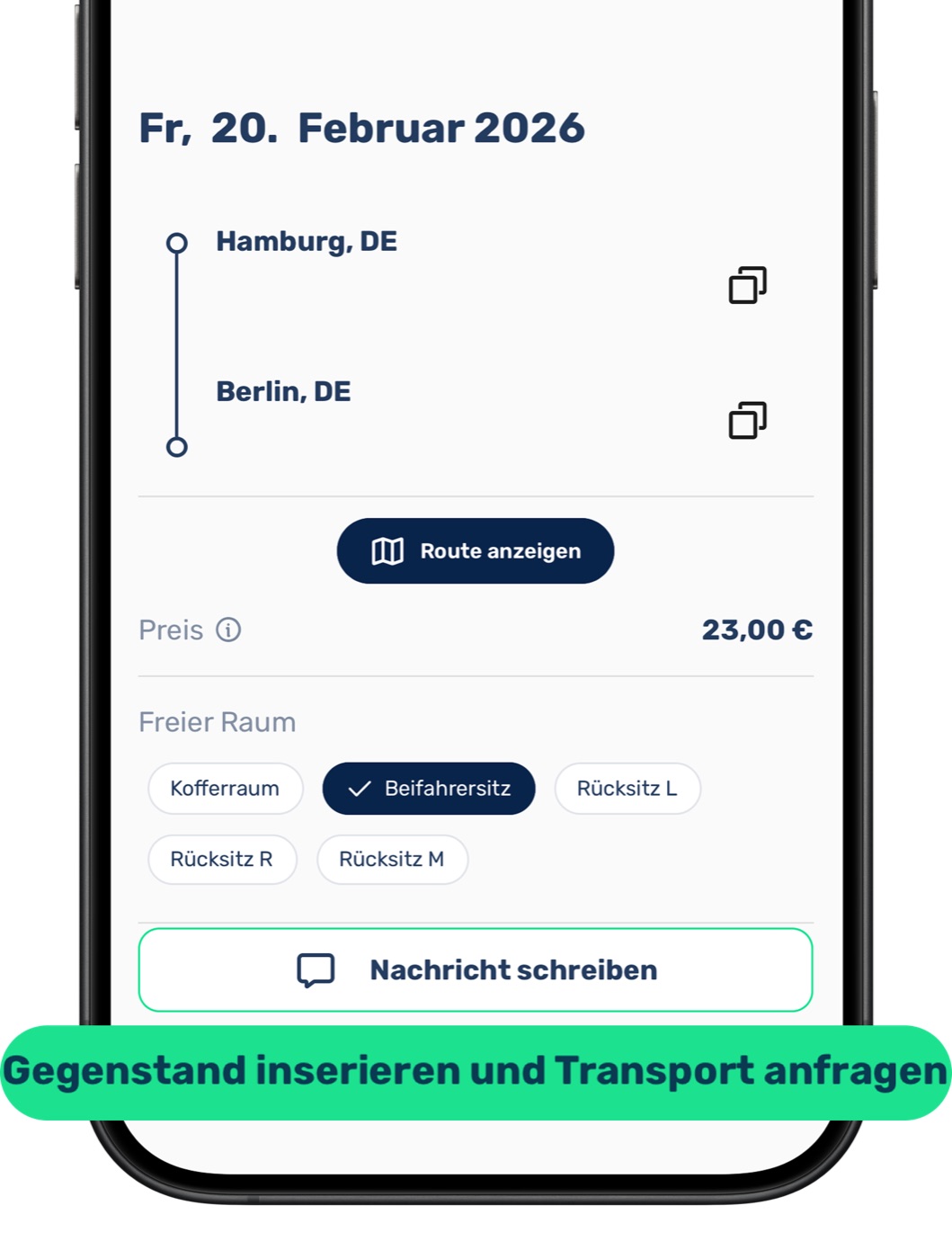
- Finally, you can list your item and request the transport