I have a match: what happens next? - Driver
Carry out the ride correctly after the match
Ready for the next step? After the match, the app guides you from “Start ride” through pickup and photo to delivery. Here's how it works:
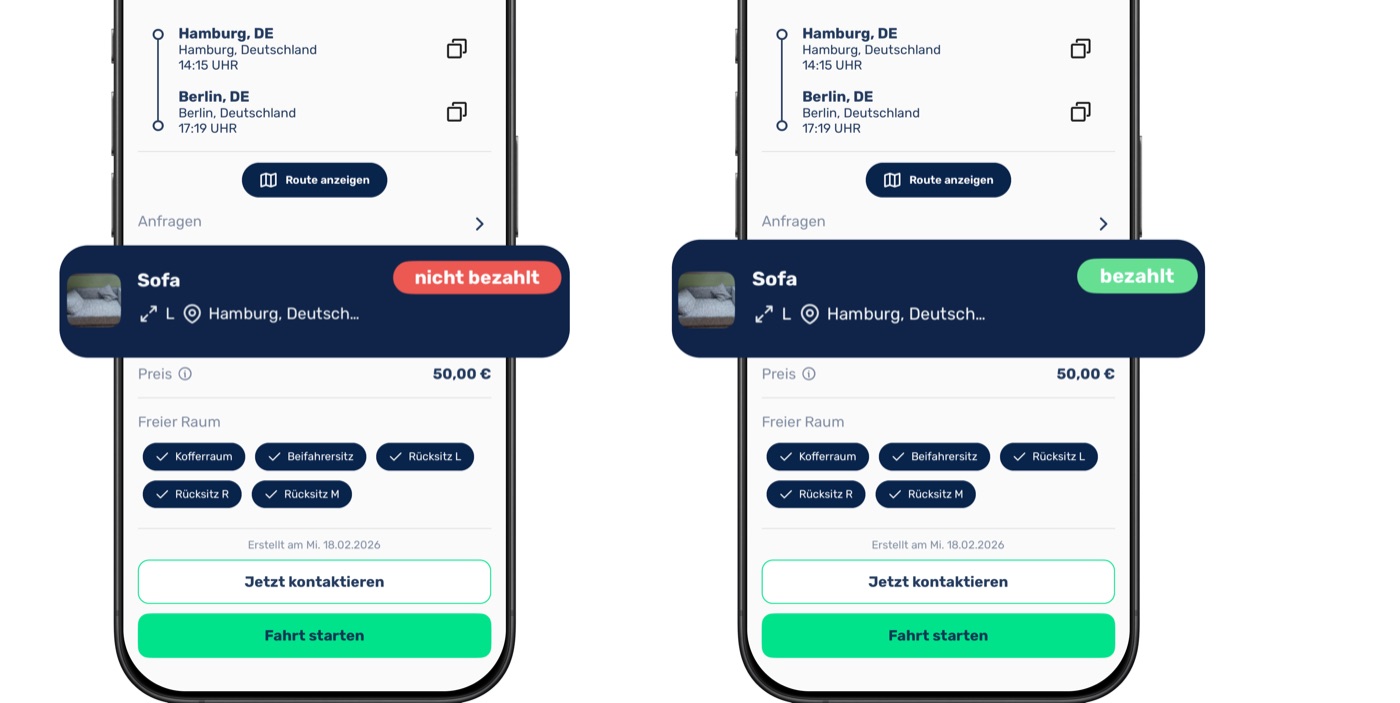
1. The sender pays and the job is activated
- Once the sender has completed the payment, the job is unlocked in your app.
- You can only start the ride after the payment is confirmed.
2. Pick up the item
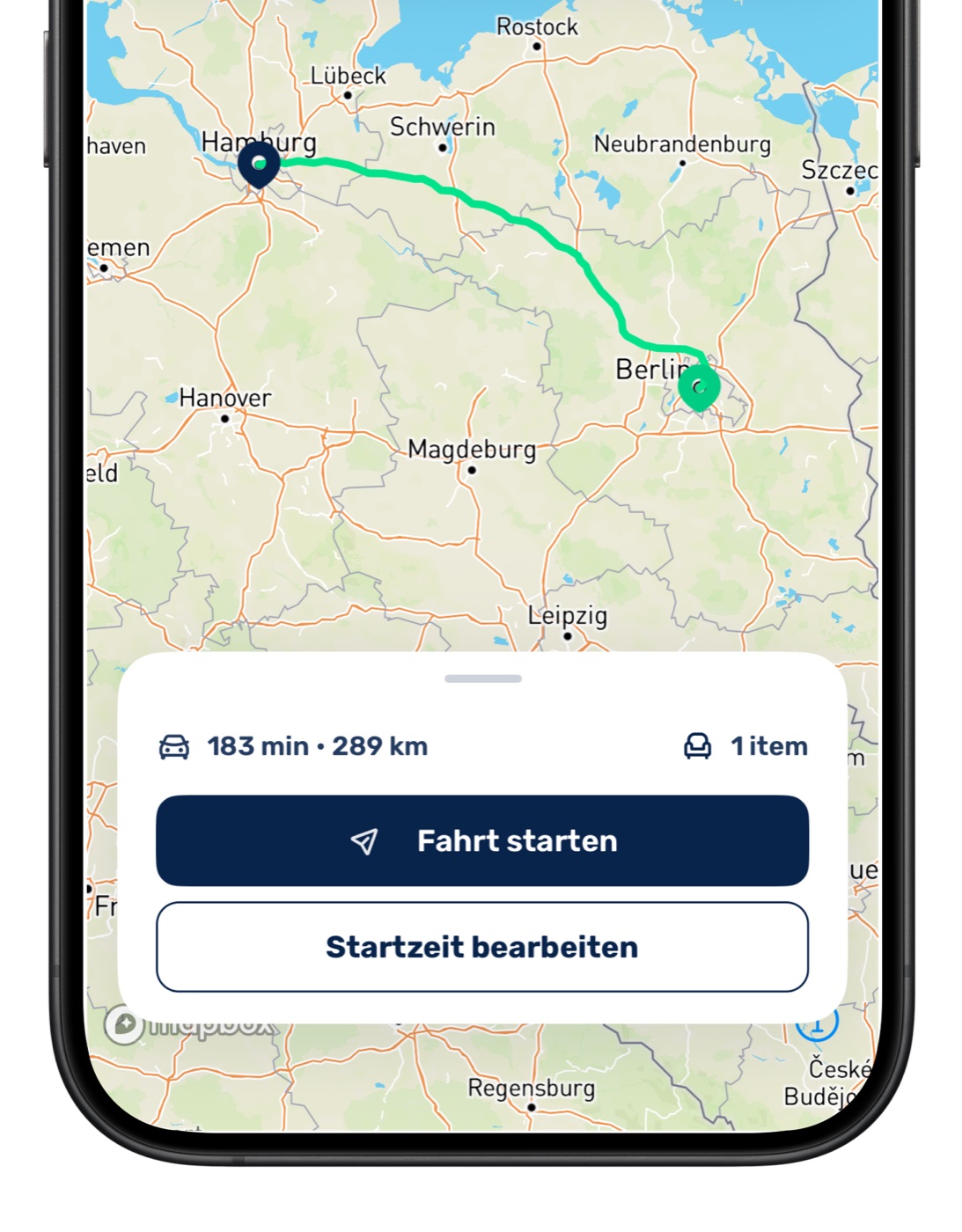
- Tap “Start ride” in the app as soon as the job is activated. The job only counts as officially started after this tap.
- After the start, the app automatically shows you the pickup address. Then drive straight to the location to receive the item.
3. Upload a photo
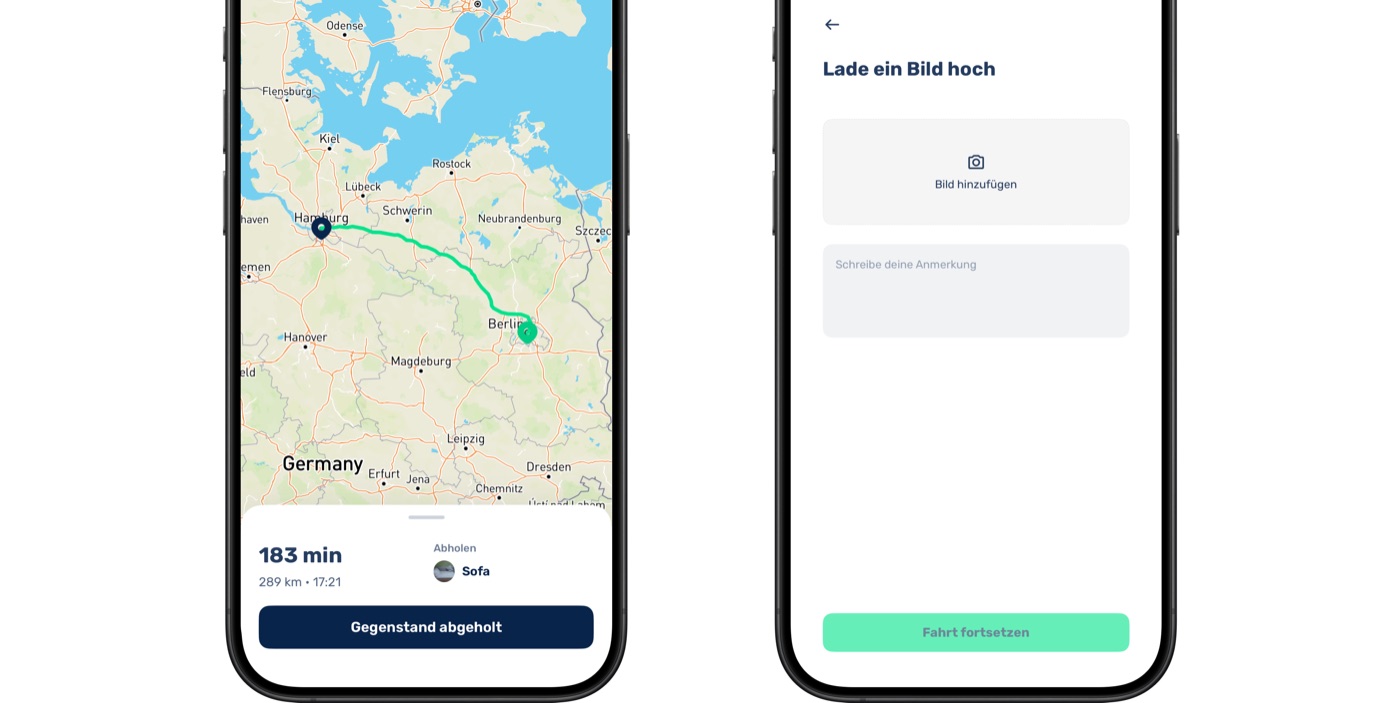
- When you arrive at the pickup address, you take the item from the sender. Before you can continue, you have to document the pickup in the app.
- The photo serves as proof that you took over the job correctly.
4. Continue the ride
- After the pickup photo has uploaded successfully, you can continue your ride and drive to the destination where you are to drop off the item.
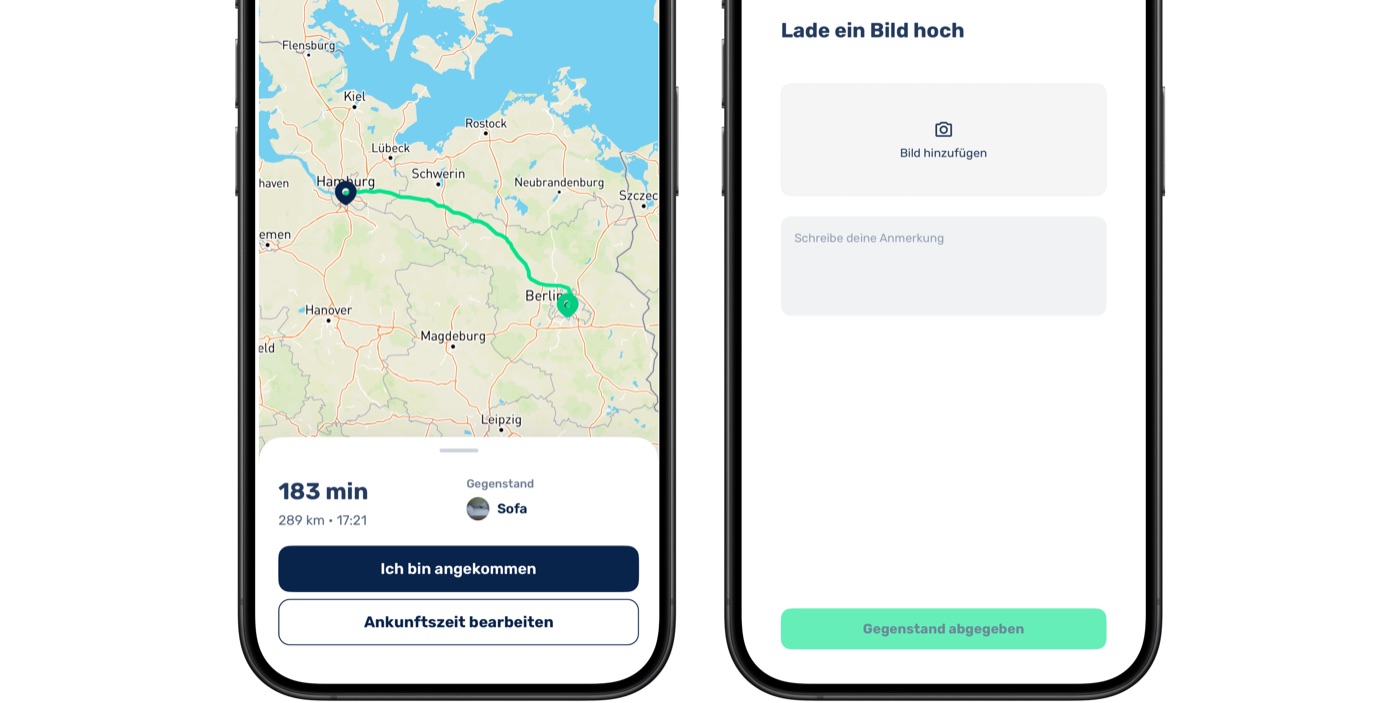
5. Leave the delivery & take a final photo
- When you arrive at the destination, you leave the item at the agreed place or hand it over in person.
- You then also have to document the delivery.
- After the final photo has uploaded, you can end the ride for good.