
Changing the start time after a match
Can the start time still be changed after a match?
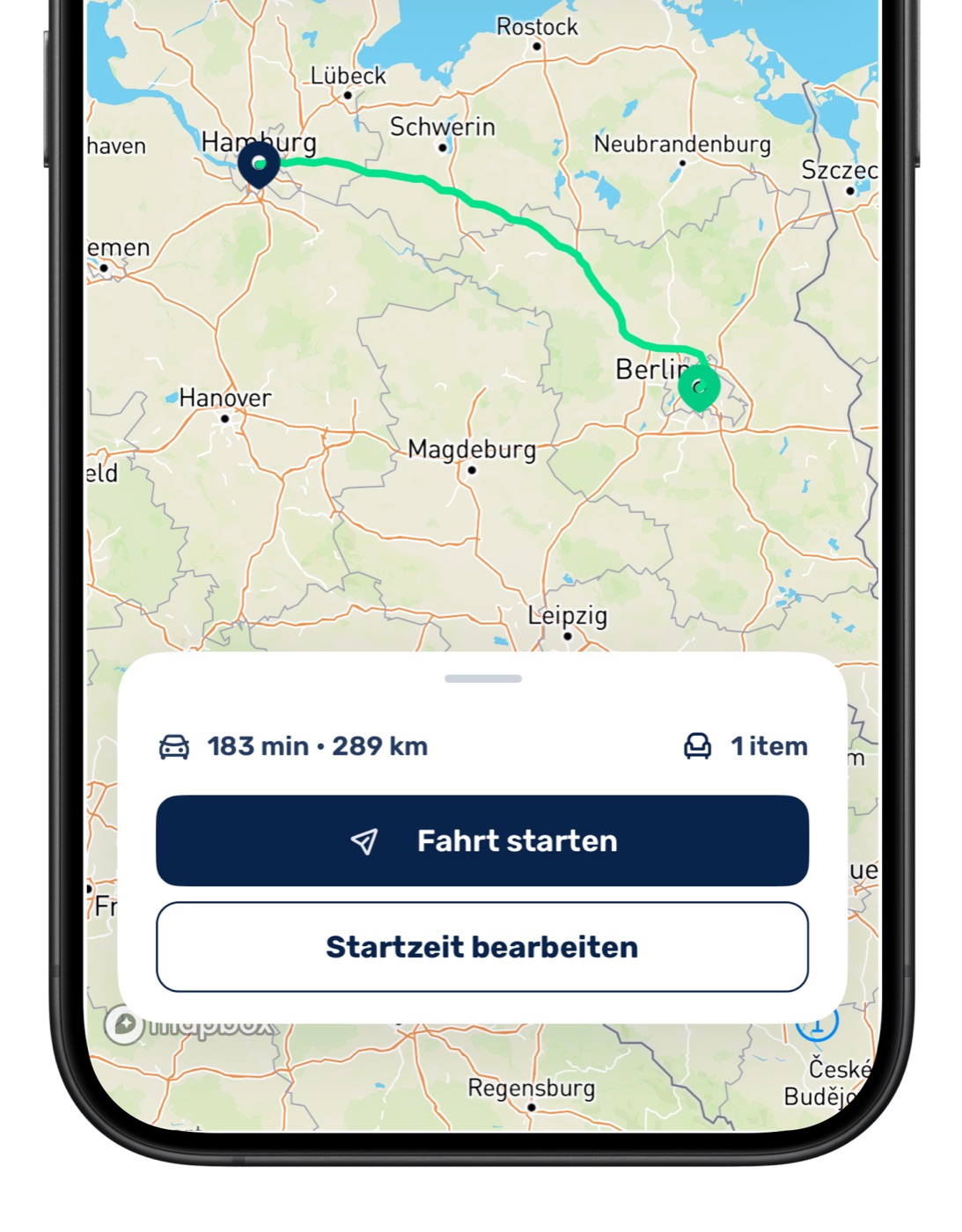
After a successful match, you can still adjust the planned start time of your ride, as long as the ride has not started yet.
How the change works:
Open the booked ride in your bookings
Go to the route view
Tap “Edit start time”
Select the new start time you want
Confirm the change
What the sender is told, as soon as you update the start time:
The sender automatically receives a notification in the app and is thereby informed right away about the changed start time.
An email about the new pickup time is also sent.
If the sender has any questions, they can contact you immediately through the built-in chat.