
Delivering the item
1. Confirm your arrival
When you have reached the destination, tap the “I've arrived” field.
With this tap:
you confirm your arrival at the delivery location
you let the recipient know you are there
you move on to the next step of the delivery
the final handover is prepared
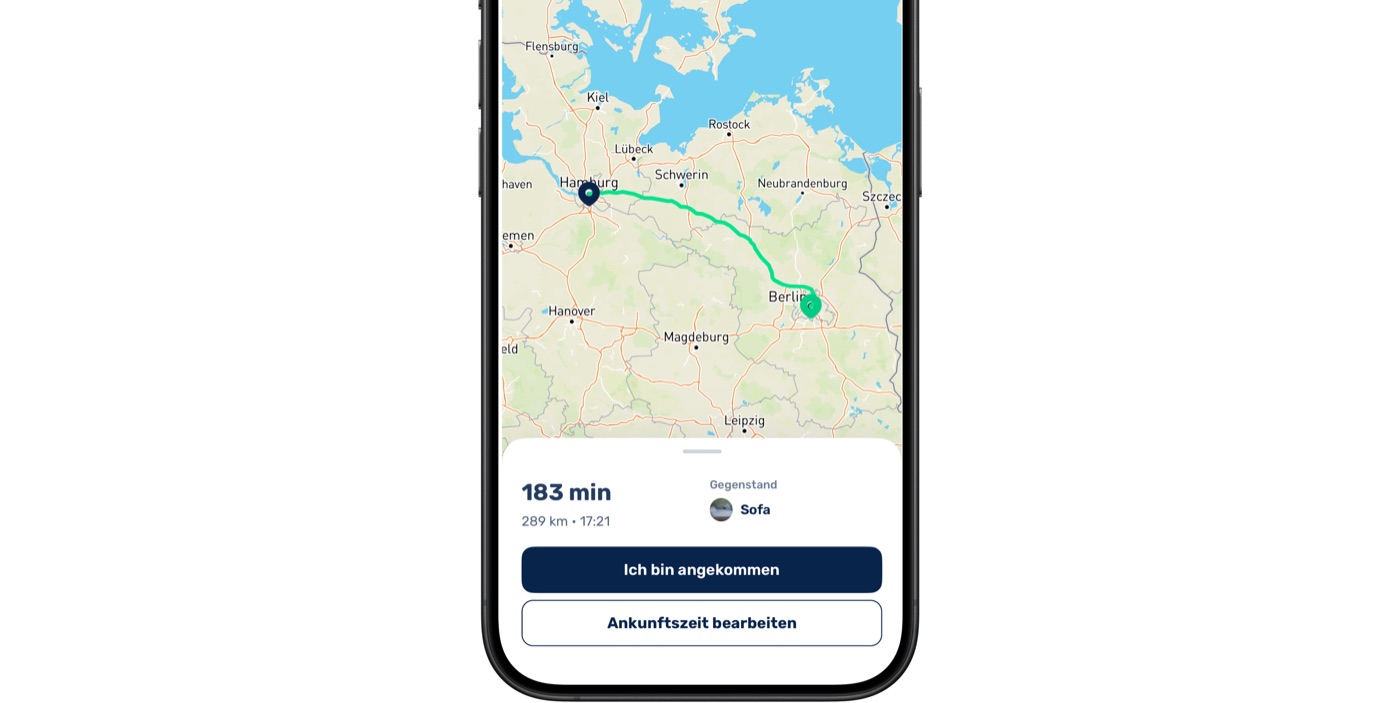
If needed, you can adjust the arrival time via “Edit arrival time”.
2.Hand over or leave the shipment
Now hand the item over to the recipient in person or leave it at the drop-off place agreed beforehand.
Please make sure that:
the item is handed over complete and undamaged
the agreed handover place is respected
the item is placed safely
no parts are missing or damaged
Only after a successful handover does the digital confirmation in the app follow.
3. Upload the final photo - proof of delivery
After the delivery, the “Upload image” screen opens automatically.
Here you document the completed delivery:
Tap “Add image” to take a photo.
Photograph the item at the drop-off place or during the personal handover.
Make sure the location or the handover situation is recognizable.
Make sure the picture is sharp, well lit and complete.
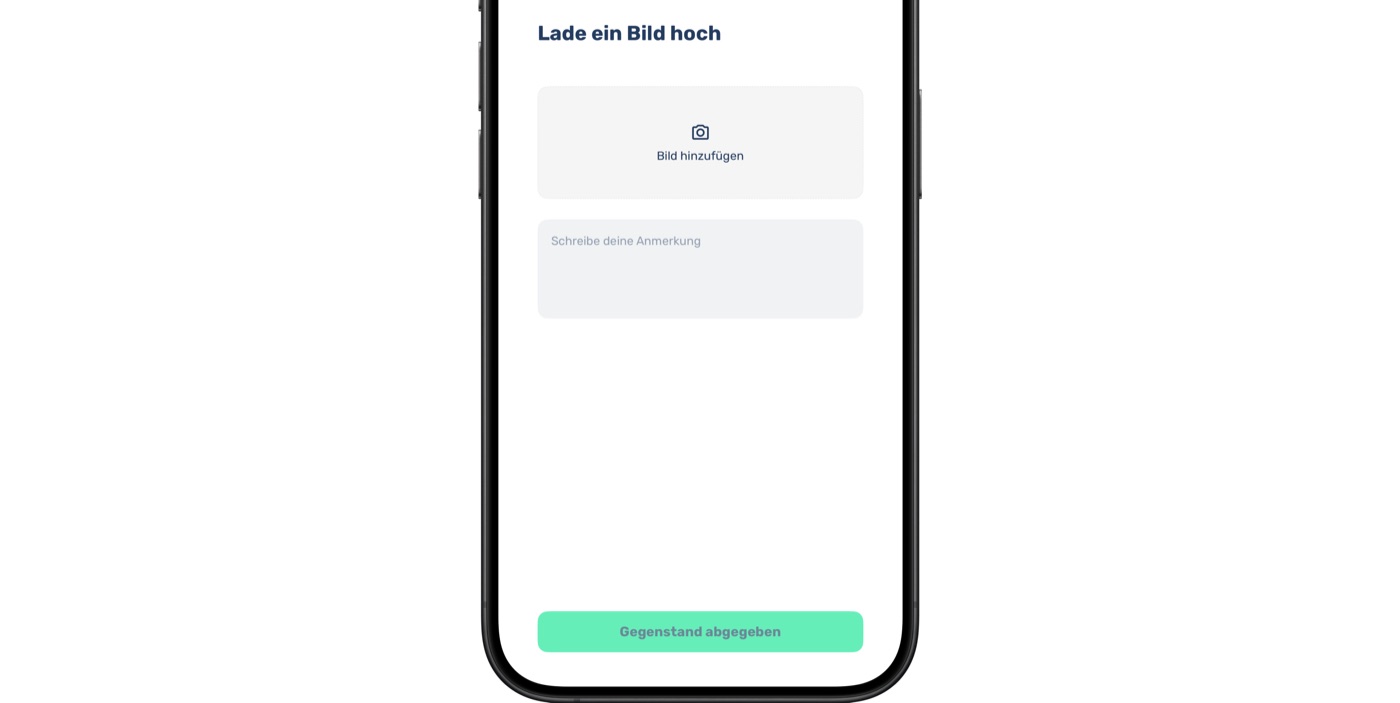
After a successful upload, the “Hand over item” button is activated. With this step you officially confirm that the delivery is complete.
4. Complete the ride
After the confirmation, the “Ride completed successfully” screen appears.
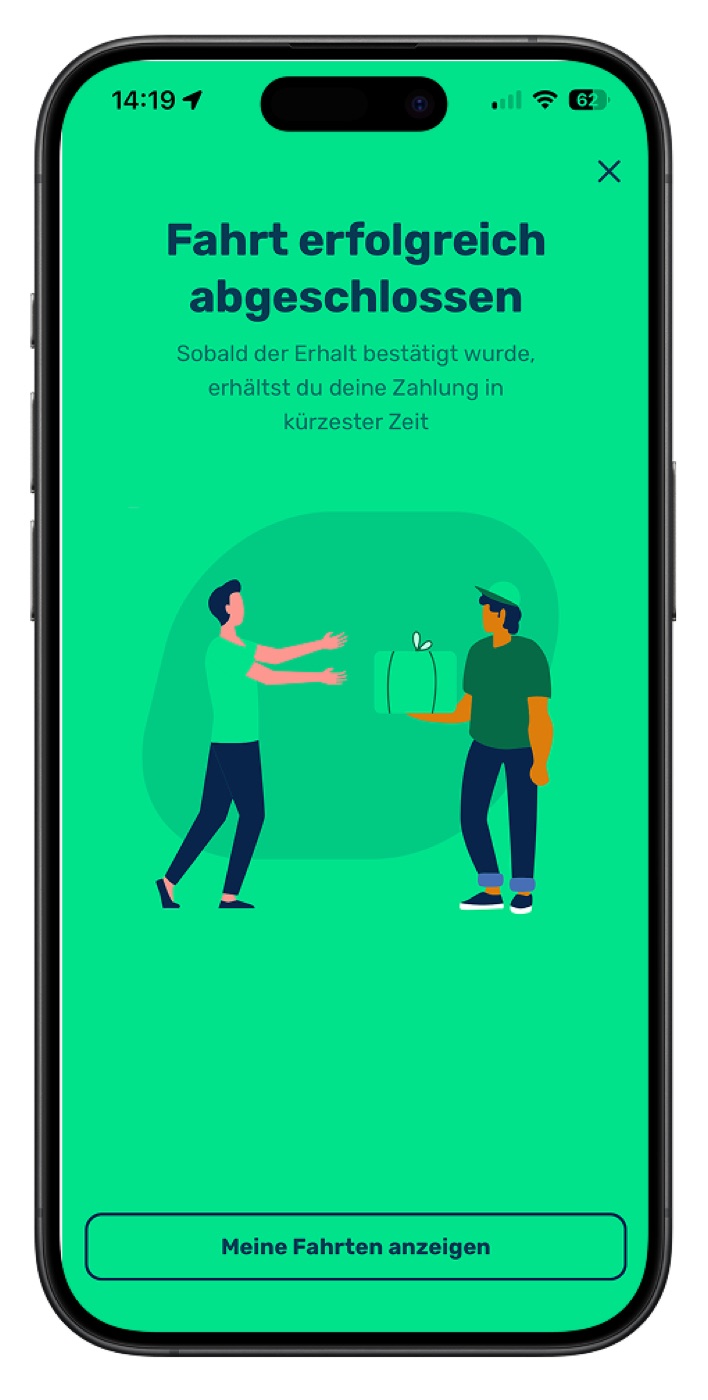
With this last step, the transport is fully completed and the job is removed from your active rides.