
How do I create a ride?
Ways to create a ride:
As a driver at MUVN, you have several ways to create a ride. You can either actively search for suitable items using the map view or create your own route directly from the Home area. If you drive a route regularly, you can also set up a commuter ride. You can find more information on that here.
Option 1: Create a ride from the Home area:
Open the Home area of the app
Tap “Create ride”
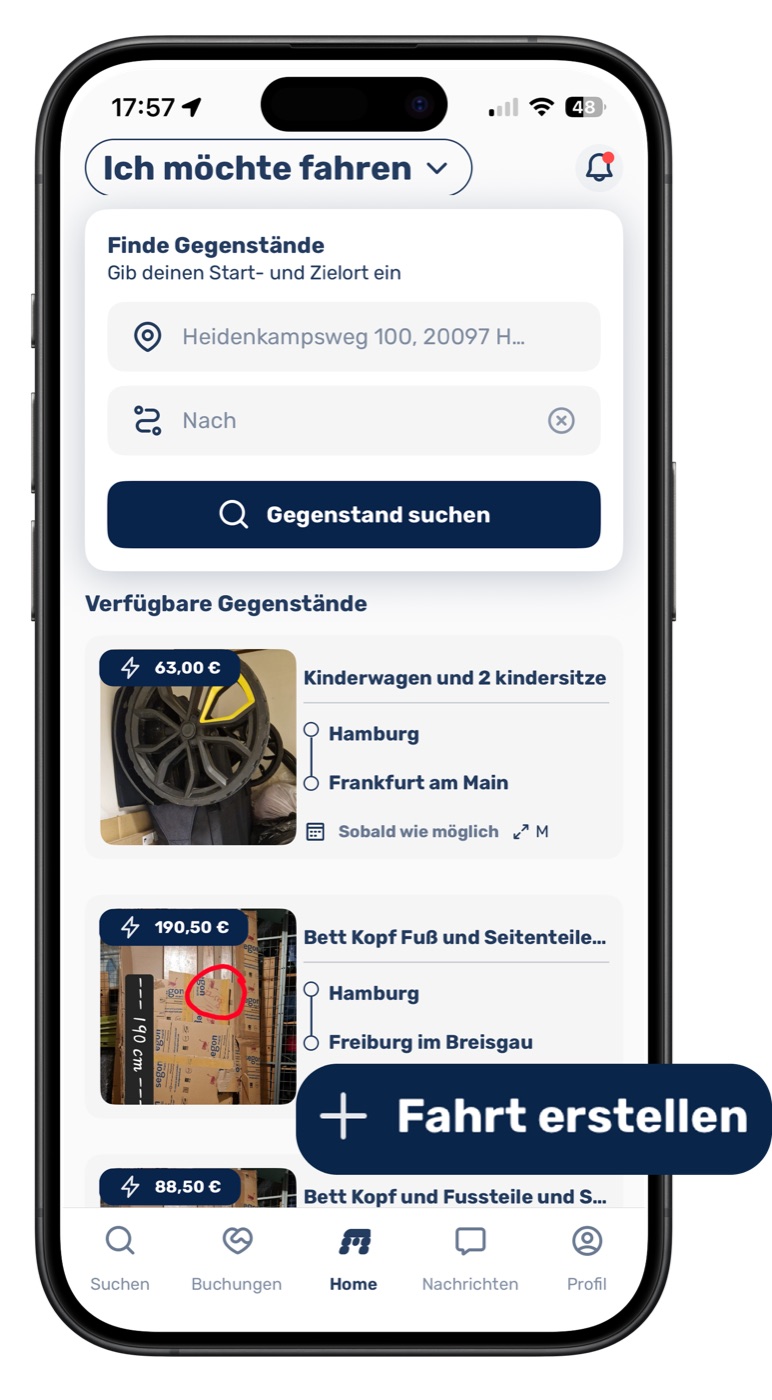
Then enter your start and destination
Set the date and time
Add your vehicle and enter the available space
Enter your price: you can use the suggested prices as a guide.
Publish your ride
This option is ideal if you are planning a fixed route and want to set your route in advance, or if you offer recurring routes.
Option 2: Create a ride using the map view :
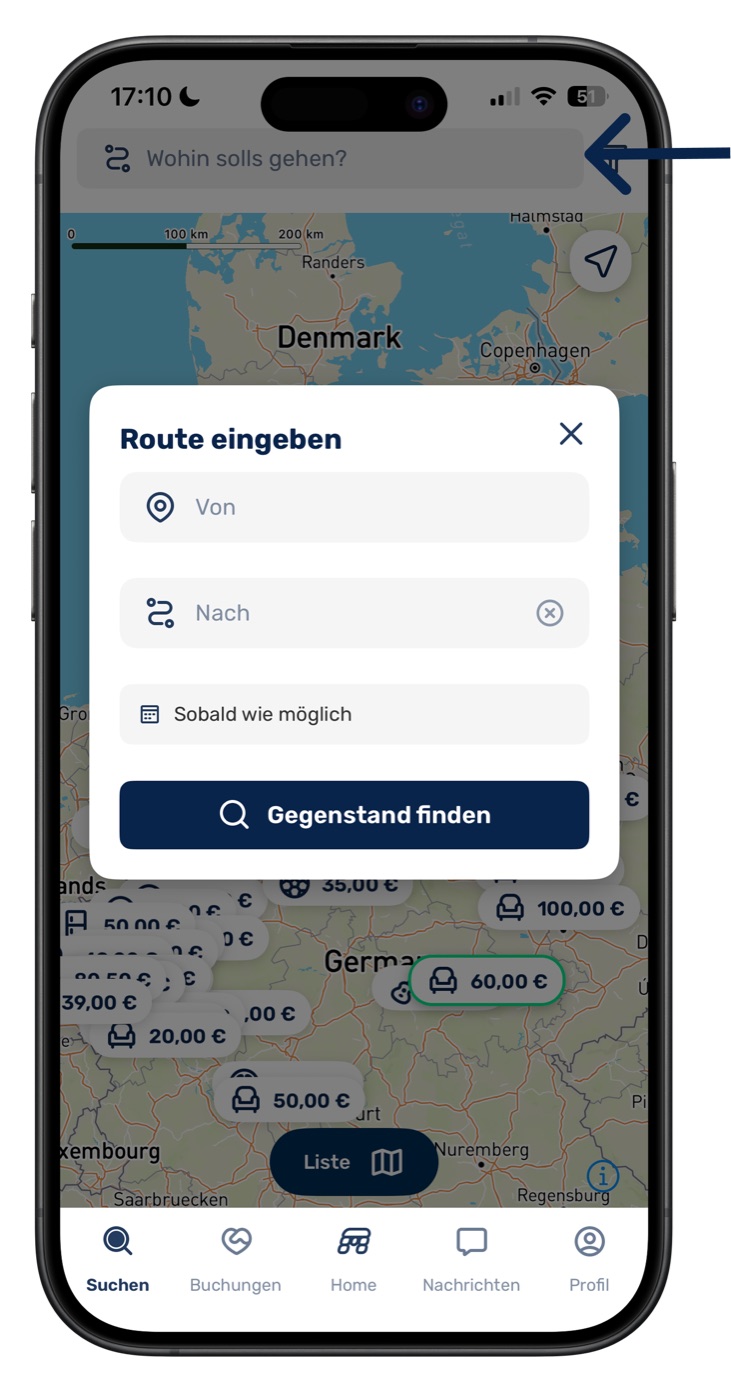
Open the map view in the app
Tap the search field at the top, then you can enter the route you want
Option 3: Select an item & create a ride right away
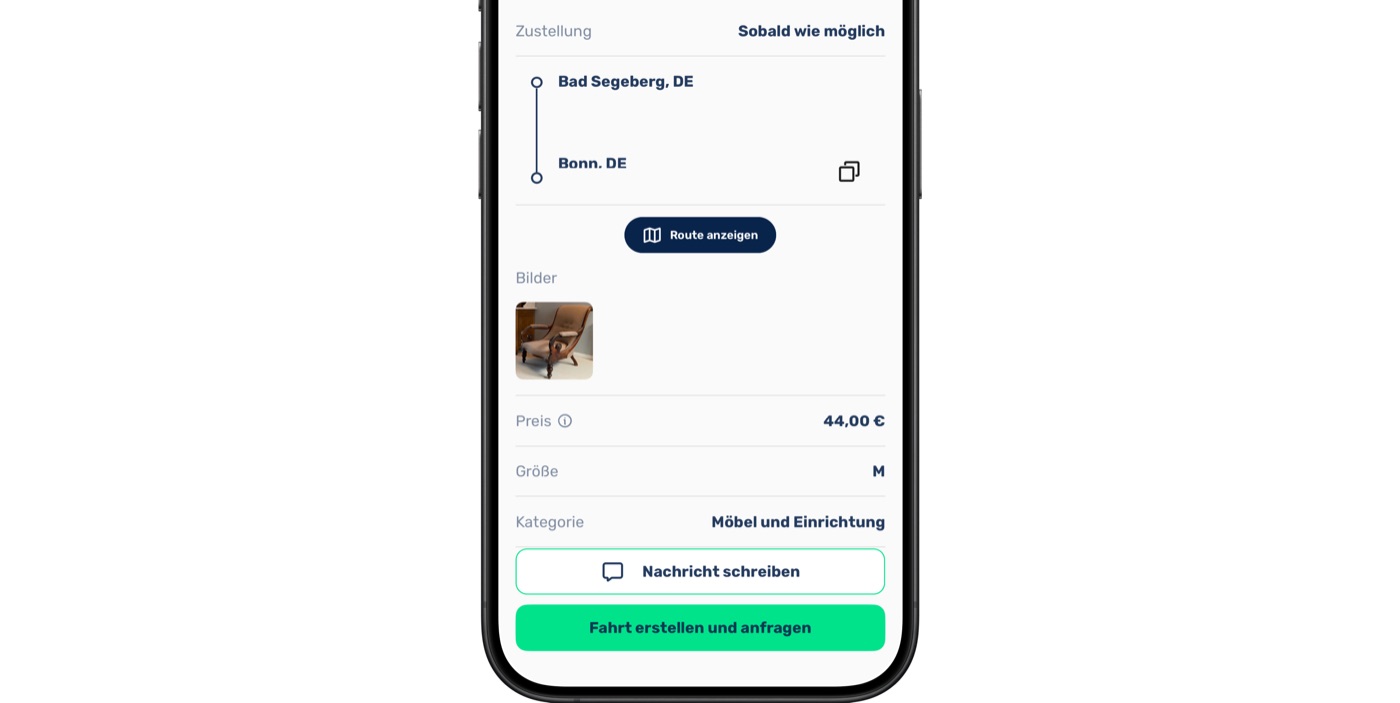
Tap an item that is shown on this route
Tap “Create ride and request”. The route is then automatically created as a ride and the selected item is requested.
Options 2 and 3 are both ideal if you are flexible and want to actively search for suitable transports.